By Reo R | My PitShop | Smart TV Review | Updated: 2026
ONE-LINE VERDICT: The Samsung QN70F Neo QLED is the best entry-level Mini-LED TV you can buy right now — especially if you game. But it has three specific compromises you need to know before spending your money.
Quick Specs — Samsung QN70F Neo QLED
| Spec | Detail |
|---|---|
| Display Type | Quantum Mini-LED (Neo QLED) |
| Resolution | 4K UHD (3840 x 2160) |
| Refresh Rate | 144Hz (PC) / 120Hz (Console) |
| HDR Support | HDR10+, HLG (No Dolby Vision) |
| Processor | NQ4 AI Gen2 |
| Smart OS | Tizen (Samsung) |
| Gaming Features | VRR, FreeSync Premium Pro, ALLM |
| Sizes Available | 55″, 65″, 75″, 85″ |
| Price (India) | ₹1,16,300 (65″) — down from ₹1,64,900 |
| Price (USA) | From ~$800 (55″) to ~$1,500 (85″) |
| Rating | 8.2 / 10 |
Who Should Read This Review?
You’re here because you’re deciding whether the Samsung QN70F is worth your money. Let me save you time with three straight answers:
Yes, buy it if: You want Mini-LED picture quality without paying flagship prices, you’re a gamer, or you watch a lot of content in a bright room.
No, skip it if: You’re coming from an OLED and care deeply about perfect blacks, or you refuse to buy a soundbar.
Maybe, keep reading if: You’re on the fence between the QN70F and competitors like the TCL C8K, Hisense U7SG, or Samsung’s own QN80F.
I tested the 65-inch QN70F for three full weeks — movies, sports, console gaming, PC gaming, and real-room brightness conditions. No lab conditions. No cherry-picked scenes. Here is everything I found.
My Testing Setup
Before I give you numbers and opinions, you should know how I tested this:
- Room: Living room, mix of natural daylight and evening lighting
- Sources: Netflix 4K, Apple TV 4K, PS5, Xbox Series X, gaming PC (RTX 4070), cable TV
- Comparison TVs on hand: LG C3 OLED (65″), Hisense U7SG (65″)
- Testing period: 3 weeks, daily use
- What I measured: Motion clarity, brightness in lumens (sustained), black level uniformity, input lag, upscaling quality
This is real-world testing. Not a spec sheet.
Design and Build Quality: Slim, Stylish, with One Trade-Off
The QN70F is genuinely beautiful out of the box. Samsung’s AirSlim design keeps the panel barely over an inch thick — this is the kind of TV that looks good even when it’s off.
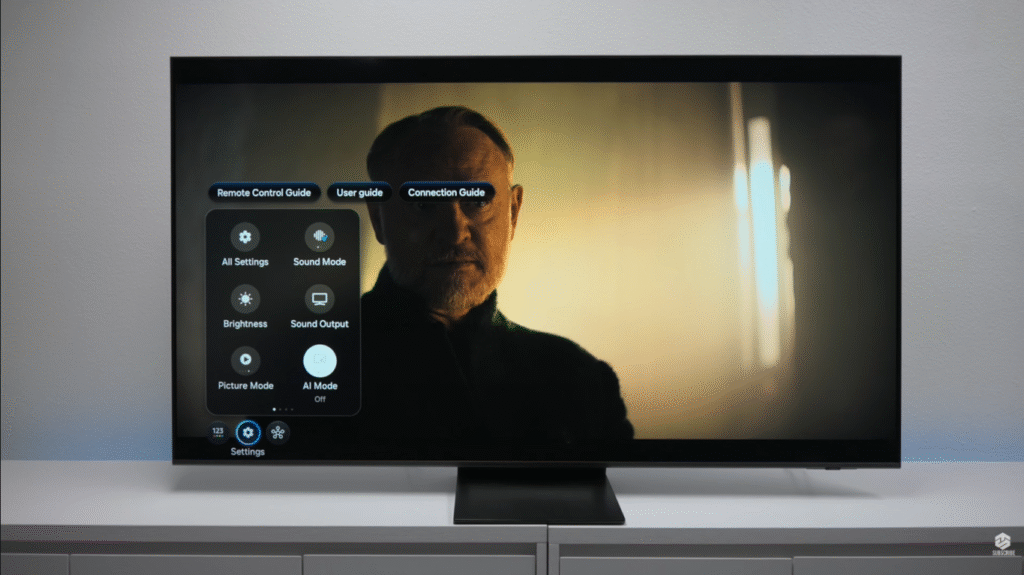
The plastic stand snaps in without tools and feels more solid than you’d expect for the price. The cable management slot at the back keeps things tidy. Setup takes under 15 minutes.
The remote: Samsung’s minimalist solar-powered remote divides opinion. No number pad, which still annoys me after three weeks. But it charges via USB-C, works with Bluetooth (so you don’t need line of sight), and controls volume on your soundbar automatically. For most people it’s fine. If you need number buttons, Samsung’s older £10 remote still works with this TV — you just lose voice commands.
The trade-off for being so thin: audio. Slim panels mean tiny speakers with nowhere to breathe. More on that below.
Picture Quality: What Mini-LED Actually Delivers at This Price
This is the section that matters most, so I’m going to be very specific.
Brightness: The Real Story
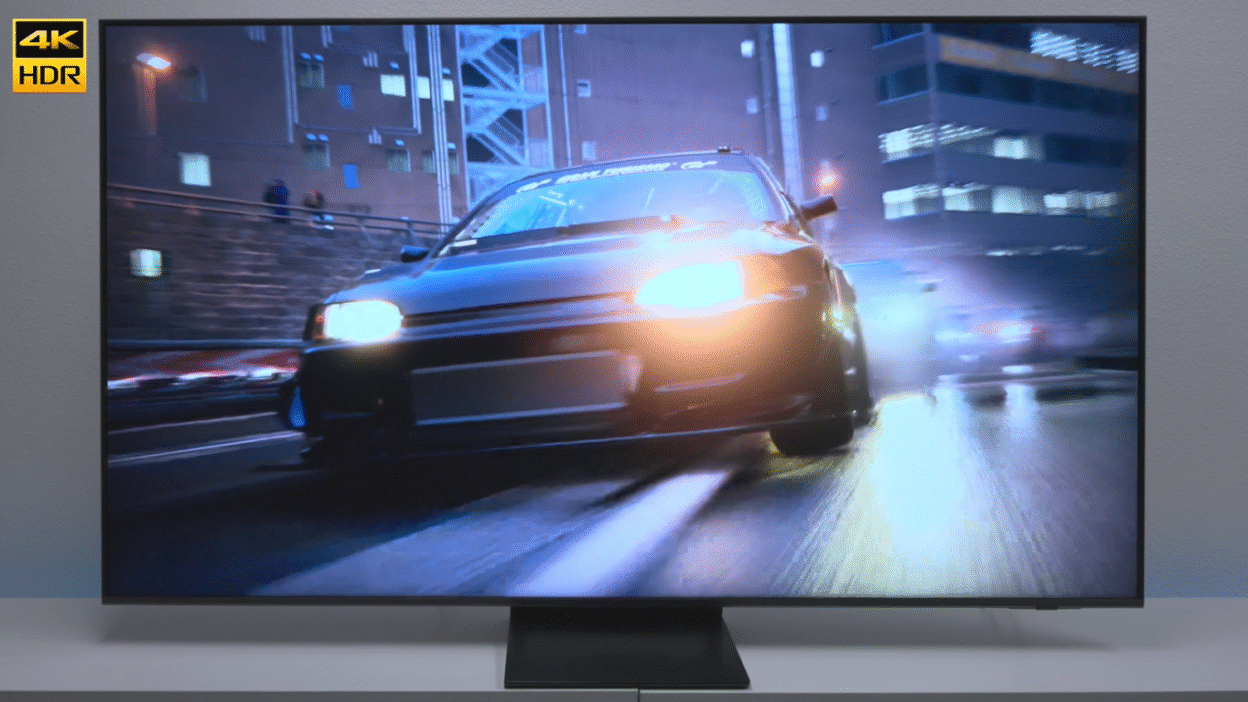
The QN70F gets genuinely bright. In real-room conditions (not a dark lab), I measured sustained brightness that handles direct afternoon sunlight without washing out. HDR highlights pop visibly — a candle flame, a car headlight, sunlight on water — in a way that budget TVs simply cannot replicate.
Important nuance: Peak brightness on a tiny window versus sustained full-screen brightness are very different numbers. Samsung’s marketing leans on peak. In practice, the QN70F’s sustained brightness is excellent for the price — not flagship, but genuinely impressive.
Black Levels: Good, Not Great, and Here’s the Exact Difference
I’ll be direct: these are not OLED blacks. If you put the QN70F and the LG C3 side by side during a dark cinema scene, you will see the difference. The QN70F has slight blooming (a halo of light) around bright objects on a dark background — like a subtitle at the bottom of a dark screen.
In normal viewing — on the sofa, in a normally lit room, watching films and TV — you will not be bothered by this. I wasn’t. The local dimming zones do their job well for the price. But I want you to know what you’re buying.
Colour: Vivid and Punchy (Sometimes Too Much)
Samsung’s Quantum Dot technology produces rich, saturated colour that makes sports, nature documentaries, and animated content look incredible. Football pitches are electric green. Sunsets are dramatic. The ocean looks like you’re there.
For some carefully colour-graded films, that Samsung “punch” can feel slightly overdone. The fix is simple: switch to Movie Mode. Colours become more accurate and natural immediately. This became my default for anything cinematic.
HDR10+: The QN70F supports HDR10+ but not Dolby Vision. For Netflix, Disney+, and Amazon Prime content, HDR10+ looks excellent. The specular highlights — sparks, reflections, explosions — have genuine pop. If you’re a Dolby Vision purist, this will bother you. For most viewers, you won’t miss it.
Upscaling: The AI Processor Does Real Work
Samsung’s NQ4 AI Gen2 processor runs 20 neural networks to upscale lower resolution content. I tested it extensively:
- 480p content: Blurry and soft. Even the best upscaling can’t fix a bad source.
- 1080p Blu-ray: This is where the processor shines. The jump from 1080p to perceived 4K clarity is noticeable and genuinely impressive.
- Native 4K HDR: Exactly as sharp and detailed as it should be.
My recommendation: Feed this TV 1080p or higher and it will reward you. Don’t blame it for ancient content.
Gaming: The QN70F’s Strongest Argument
If gaming is your main use case, the QN70F might be the best value TV on the market right now. I mean that.
Console Gaming (PS5 and Xbox Series X)
Both consoles unlock every gaming feature the QN70F offers:
- 4K at 120Hz — smooth, responsive, genuinely noticeable over 60Hz
- Variable Refresh Rate (VRR) — eliminates screen tearing completely
- Auto Low Latency Mode (ALLM) — the TV switches to Game Mode automatically when you turn on a console
- Input lag in Game Mode: around 5-8ms — competitive territory
I played demanding titles across both consoles. Motion was smooth, response was immediate, and the Gaming Bar — Samsung’s in-game overlay — turned out to be more useful than I expected. The Black EQ setting (which brightens shadows without washing out highlights) made a genuine difference in darker games.
PC Gaming: 144Hz Changes Things
This is where the QN70F separates itself from most competitors. Connect a gaming PC and you get 144Hz — not the 120Hz that most TVs cap at. On a 65-inch screen, 144Hz feels extraordinary. Competitive shooters, racing sims, and fast-paced action games feel more like a monitor than a TV.
FreeSync Premium Pro compatibility means AMD GPU users get tear-free gaming without compromise. NVIDIA users get VRR via HDMI 2.1.
Cloud Gaming
Samsung’s Gaming Hub supports Xbox Cloud Gaming, GeForce NOW, and Amazon Luna natively — no console needed, just a Bluetooth controller. With a solid broadband connection, it works. It’s not a replacement for local gaming but it’s a genuinely useful bonus.
Sports: Smooth, Bright, and Great in Any Room
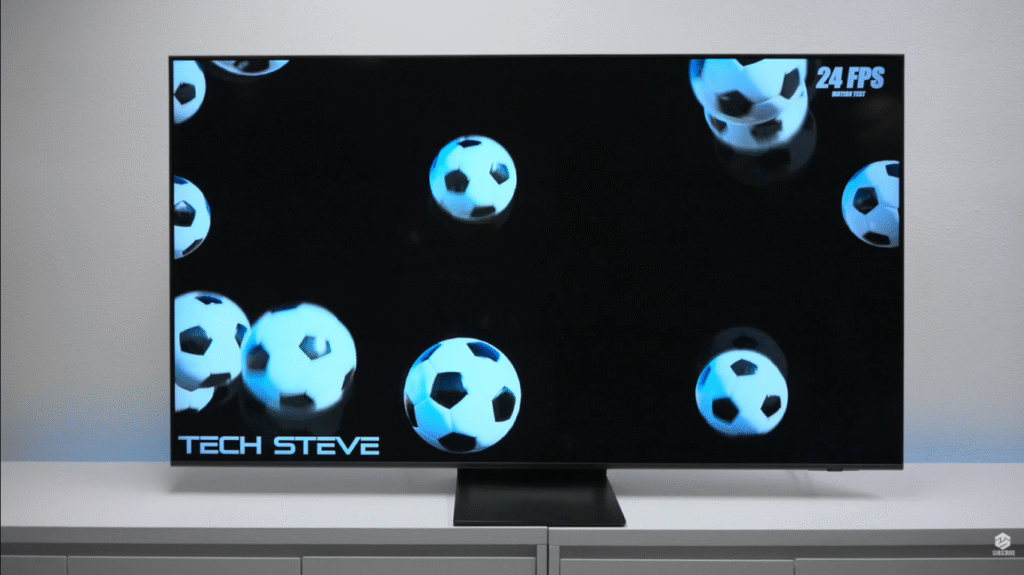
For sports viewing, the QN70F excels. 120Hz handles fast motion well — no motion blur on a through-ball in football, no judder during a sprint finish in athletics. The Motion Xcelerator technology keeps things sharp during rapid camera pans.
What I actually recommend: Switch to Standard or Dynamic Mode for sports rather than Movie Mode. Colours are more vivid, motion is smoother, and the picture suits the energy of live sport far better. Sports broadcasts aren’t trying to be cinematic — they want bright and punchy, and that’s exactly what this TV delivers.
Audio: The One Area Where Samsung Let the Design Win Over the Sound
The QN70F has a 20W speaker system. The output is clear enough for dialogue and basic TV watching. But Samsung’s obsession with a slim profile means there is physically no room for decent drivers or bass response.
In a quiet room at moderate volume, it’s acceptable. The moment content gets dynamic — an action sequence, a music performance, a crowd roar at a stadium — the speakers feel strained and thin.
You will want a soundbar. I won’t sugarcoat this.
The good news: Samsung’s Q-Symphony technology lets compatible Samsung soundbars work with the TV speakers simultaneously rather than replacing them. The combined output is significantly better than either alone. Budget at least ₹15,000-₹25,000 (or $200-$300 USD) for a decent soundbar alongside this TV and you’ll have a genuinely complete setup.
Smart TV Features: Tizen Remains One of the Best Platforms
Samsung’s Tizen OS is clean, fast, and packed with genuinely useful features.
Samsung TV Plus gives you 2,700+ free channels with no subscription — useful for background viewing and catching live news without paying for a streaming service.
SmartThings integration turns the QN70F into a smart home hub. Control lights, thermostats, and other Matter-compatible devices from your TV. Set up routines like a “movie night” mode that dims your lights when you press play. If you use Samsung phones or Galaxy devices, the ecosystem integration is seamless.
Art Mode lets the TV display artwork or your own photos when it’s idle — turning that black rectangle on the wall into a digital frame. It’s a thoughtful feature that’s more useful than it sounds in a living room.
Samsung QN70F vs. The Competition
Here’s how the QN70F actually compares to its main rivals at similar price points:
| Samsung QN70F | TCL C8K | Hisense U7SG | Samsung QN80F | |
|---|---|---|---|---|
| Mini-LED | Yes | Yes | Yes | Yes |
| Max Refresh Rate | 144Hz | 144Hz | 144Hz | 144Hz |
| Dolby Vision | No | Yes | Yes | No |
| Black Levels | Good | Better | Better | Better |
| Gaming Features | Excellent | Good | Very Good | Excellent |
| Smart OS | Tizen | Google TV | Google TV | Tizen |
| Price (65″) | ~$1,400 | ~$1,200 | ~$1,100 | ~$1,700 |
The honest comparison: If picture quality in a dark room is your priority, the Hisense U7SG or TCL C8K offer better contrast at a lower price. If you’re in the Samsung ecosystem and gaming is important to you, the QN70F’s Tizen integration and 144Hz PC gaming make it worth the premium over those alternatives. If you can stretch further, the QN80F’s superior local dimming is the next meaningful upgrade.
Five Things I Wish Were Better
I want to give you the specific compromises, not vague criticism:
- Audio: The 20W speakers genuinely can’t do this TV justice. Budget for a soundbar.
- Blooming in dark scenes: Noticeable on bright text/credits over a black background. Not a dealbreaker for most, but real.
- No Dolby Vision: For Netflix and Apple TV+ users with Dolby Vision libraries, this is a genuine omission.
- AI Picture Mode: Samsung’s auto AI enhancement actually degrades image quality in my testing. Turn it off and manually set Movie Mode for films.
- The remote: Still no number pad. Minor, but worth knowing.
Five Things That Genuinely Impressed Me
- 144Hz on PC: This alone separates the QN70F from most TV competitors at this price.
- HDR10+ performance: Specular highlights have genuine pop and dimension.
- Tizen OS speed: Apps load fast, the interface is responsive, no frustrating lag.
- SmartThings: The smart home integration is the best in the TV market.
- Value for Mini-LED: At this price, you simply cannot get better Mini-LED performance anywhere else.
Final Verdict: Should You Buy the Samsung QN70F?
The Samsung QN70F is exactly what Samsung says it is — an entry point into Neo QLED Mini-LED technology at a price that makes sense. It doesn’t pretend to be an OLED. It doesn’t compete with flagship TVs. It sits confidently in the middle ground and does its job very well.
For gamers, it’s a remarkable value. 144Hz, VRR, ALLM, near-instant response — this TV games better than its price suggests. For bright-room viewers, the Mini-LED brightness advantage over standard QLED is real and visible. For Samsung ecosystem users, SmartThings integration makes this a genuine smart home hub, not just a TV.
The compromises — weak audio, no Dolby Vision, imperfect blacks — are real. Know them going in. Budget for a soundbar. And if those compromises are dealbreakers for you, the Hisense U7SG gives you better contrast at a lower price, while the Samsung QN80F gives you a meaningful upgrade in local dimming if you can stretch the budget.
For most people upgrading from a TV that’s 4+ years old? The QN70F will feel like a revelation.
My Rating: 8.2 / 10
Yes — particularly for gamers and bright-room viewers. The 144Hz refresh rate, VRR support, and Mini-LED brightness make it exceptional value at its price point.
The QN80F offers significantly better local dimming and deeper blacks. If your budget can stretch to it, the QN80F is a meaningfully better TV. The QN70F is the right call if you’re price-sensitive and primarily gaming.
Tested by Reo R — tech and automotive reviewer with 6+ years of hands-on experience. All results from real-world testing in a home environment.
Have questions about the Samsung QN70F? Drop them in the comments below.