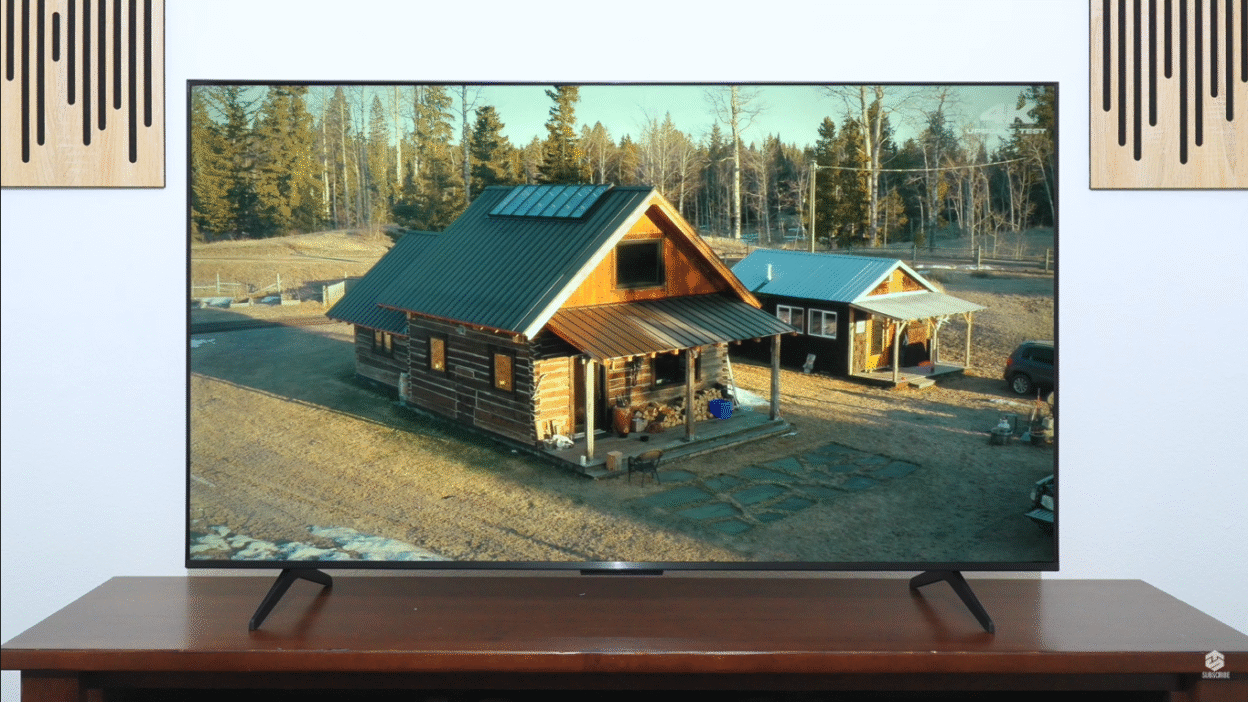
Top 10 reasons to buy the TCL QM5K come down to one thing: it’s the rare budget TV that brings real Mini LED benefits, accurate HDR, and modern gaming features into a price range most people can actually afford.
Mini LED used to be reserved for premium TVs with premium price tags. The TCL QM5K changes that equation by bringing full‑array Mini LED backlighting, low input lag, VRR, and Google TV into the entry segment.
Positioned below TCL’s QM6K and QM7K, the QM5K uses a 60 Hz native panel, a simpler local dimming system, and lower brightness, but still targets those who want better contrast than basic edge‑lit QLEDs without jumping into high‑end pricing.
This blog breaks down the top 10 reasons to buy the TCL QM5K, plus the honest trade‑offs you should understand before you commit.
1. True Mini LED at an Entry-Level Price
Most “budget” TVs still rely on edge‑lit panels or basic direct‑lit designs with no real local dimming, which leads to washed‑out blacks and flat contrast in dark scenes. The TCL QM5K is different.
- It uses a Mini LED backlight with local dimming, not a simple edge‑lit setup.
- For its price class, that’s a significant upgrade in core hardware.
This means you’re not just paying for marketing words on a box—you’re getting actual full‑array control over different areas of the screen. For anyone upgrading from an older LCD or cheap QLED, the improvement in dark‑scene performance is immediately obvious.
2. Deep, Convincing Blacks in Simple Scenes
The main picture reason to choose the QM5K over older TCL edge‑lit models is its black level performance.
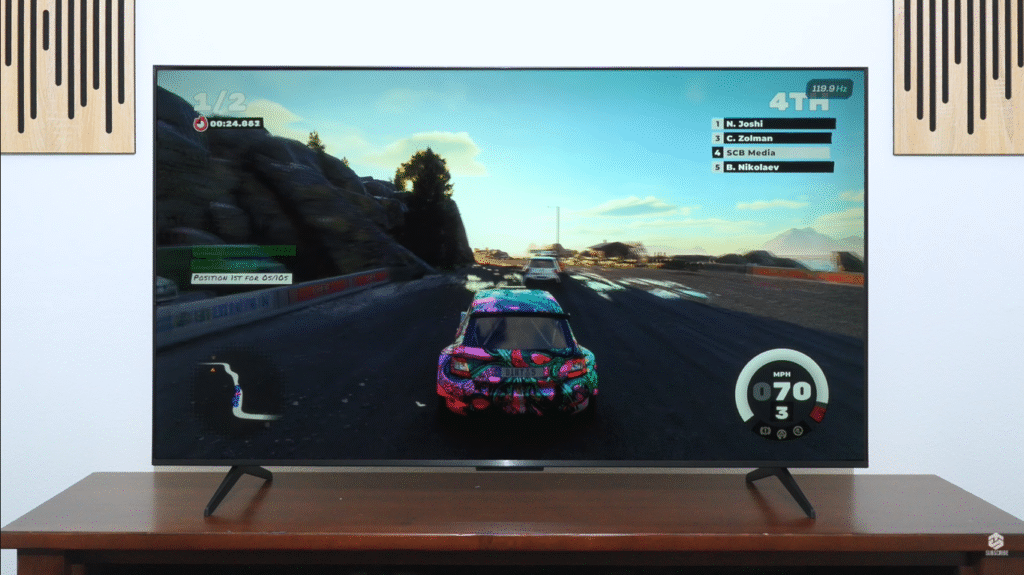
- When content is simple—a few bright objects or subtitles over a dark background—the QM5K delivers genuinely deep blacks and strong contrast.
- Movie menus, starry skies, dark streaming content, and letterboxed films all look noticeably closer to high‑end TVs than the price suggests.
Yes, the dimming system isn’t surgical. You will see:
- Halos around captions and bright objects on dark backgrounds.
- Some messiness in very busy night scenes if you look closely.
But in real‑world viewing, especially in typical living rooms, the jump from “no local dimming” to “real local dimming with good blacks” at this price is one of the strongest reasons to buy this TV.
3. Exceptionally Accurate HDR Tone Mapping
If you’re more interested in seeing content the way creators intended than chasing the brightest spec number, the QM5K shines in a way many brighter TVs don’t.
- Its HDR tone mapping (PQ EOTF tracking) is described as excellent.
- It follows the HDR brightness curve very closely, so midtones and near‑black levels look “correct” in a calibrated dark room.
- Shadow detail is slightly raised, but overall it respects the intended grading.
The flip side:
- It doesn’t produce “retina‑searing” HDR highlights.
- Bright elements don’t explode off the screen like on higher‑end sets; they simply look controlled and believable.
If you care more about accuracy and consistency than maximum “wow” brightness, this level of HDR tracking at an entry‑Mini‑LED price is a compelling reason to buy.
4. Solid SDR Brightness and Daytime Viewing
Most of what people watch is still SDR: sports, broadcast TV, YouTube, daytime shows. In these conditions, the QM5K is actually more consistent than in HDR.
- It has enough SDR brightness to handle direct glare from lamps and nearby windows without the whole picture washing out.
- Large bright scenes—like a hockey game or a white‑heavy UI—stay bright and stable, instead of dimming or collapsing.
Reflections are a mixed bag:
- The screen uses a glossy finish, and the coating doesn’t do much to tame mirror‑like reflections from direct light sources.
- There’s a bit of haze that spreads light and can make bright objects across the room more noticeable.
However:
- Ambient light has very little impact on black levels, which is rare at this price.
- If you don’t place it directly opposite a bare window, SDR daytime viewing looks solid for a budget Mini LED.
For living rooms with controllable light and sensible placement, its SDR performance is a real strength.
5. Surprisingly Strong Gaming Performance for the Price
If you’re a casual to mid‑core gamer, the QM5K is far better than a typical “cheap TV.”
- Input lag is very low, so controller actions feel tightly synced to what you see on screen.
- There’s full VRR support, reducing tearing and smoothing out frame‑rate dips on supported consoles and PCs.
- At 4K, the panel runs at 60 Hz, which is exactly what most console performance modes target anyway.
This makes it a great fit if you:
- Mainly play at 4K/60 on PS5, Xbox Series X|S or PC.
- Care about responsiveness but don’t need 4K/144 Hz esports specs.
For the money, that combination—low lag + VRR + Mini LED—is a major reason to choose this over generic budget sets that might be bright, but laggy or tear‑prone.
6. High-Refresh Options at 1080p and 1440p (on 55″ and Up)
On all but the smallest size, TCL adds a clever way to get high frame rates without paying flagship money.
- The 55″, 65″, 75″ and 85″ QM5K models can hit up to 120 or 144 Hz at 1080p and 1440p using TCL’s Game Accelerator.
- This is especially attractive for PC gamers or console players who don’t mind dropping resolution in exchange for smoother motion.
Important detail:
- The 50″ model does not support Game Accelerator and is locked to 60 Hz at all resolutions.
If you’re planning to use this TV in a gaming‑focused setup and care about higher frame rates:
- Choose 55″ or larger and you effectively get an “entry‑level high‑refresh gaming monitor” plus Mini LED TV in one.
7. Full Google TV Experience, Not a Stripped OS
A budget TV can have good hardware and still be ruined by a bad smart platform. That’s not the case here.
- The QM5K runs Google TV, with all major streaming apps, Google’s recommendation system, and a familiar interface.
- You get built‑in Chromecast, Google Assistant, and access to the same ecosystem you’d find on far more expensive sets.
Compared to proprietary “budget OS” solutions, Google TV offers:
- Better long‑term app support.
- A more polished UI.
- Easier integration with Android phones and Google smart home setups.
If you want an affordable Mini LED that still feels modern and connected in 2025 and beyond, the software platform is a big plus.
8. Smartly Positioned Against TCL’s Own QM6K and QM7K
The QM5K doesn’t exist in a vacuum. TCL has two higher‑end siblings—the QM6K and QM7K—and understanding how it compares is crucial for making a smart buy.
Versus TCL QM6K
- QM6K keeps the Mini LED concept but upgrades to 144 Hz at 4K, along with more advanced gaming features and slightly better out‑of‑box accuracy.
- It also doesn’t lose HDR brightness in game mode, a problem the QM5K currently has.
If you’re a serious gamer who wants 4K/144 Hz and better HDR in game mode, the QM6K is the better package.
But if:
- You don’t care about 4K/144 Hz, and
- You’re happy with 4K/60 and high refresh at 1080p/1440p,
…the QM5K is described as “basically just as good for a slightly lower price tag.”
Versus TCL QM7K
- QM7K is a full step up: significantly better local dimming (less haloing), much brighter HDR and SDR, and higher refresh (up to 144 Hz at 4K and 288 Hz at lower resolutions).
- It fixes most of the QM5K’s weaknesses—but exists in a totally different price bracket.
If your budget is capped in the QM5K range, this TV hits the sweet spot between price and meaningful Mini LED performance.
9. Compelling Alternative to Hisense U65QF (If You Prefer Accuracy)
The QM5K will inevitably be cross‑shopped with the Hisense U65QF, and the comparison is close.
- The Hisense U65QF:
- Slightly brighter in most scenes; HDR highlights stand out more.
- Stronger gaming pick for high‑refresh 4K, letting you fully exploit newer consoles.
- The TCL QM5K:
- Better PQ EOTF tracking, meaning more accurate HDR brightness relative to creator intent.
- Generally costs a bit less, making it the better value choice if 4K/60 is enough.
So:
- If you care about extra brightness and maxed‑out gaming refresh at 4K, Hisense U65QF has the edge.
- If you care about accuracy and value, and you’re fine with 4K/60 Hz, the QM5K is the smarter buy.
10. Best Budget TV With Local Dimming Right Now (For the Right User)
The review’s verdict is very clear about where the QM5K lands.
You get:
- Deep blacks in simple scenes thanks to Mini LED local dimming.
- Excellent HDR tone‑mapping accuracy that respects content creators’ intent.
- Enough SDR brightness for most rooms when placed sensibly.
- Solid input lag and VRR, plus higher refresh at lower resolutions (on 55″ and up).
If you don’t care about:
- 4K at 144 Hz, or
- The brightest possible HDR highlights,
then the QM5K is described as “the best cheap TV with local dimming you can buy right now.”
The Honest Trade-Offs You Still Need to Accept
To make a smart purchase, you should understand what you don’t get with the QM5K.
- HDR highlights are not very bright – HDR looks accurate and controlled, but not “explosive”.
- Local dimming can be crude – halos around subtitles and bright objects, messy dark scenes if you go hunting for artifacts.
- Color performance is just okay – it struggles to fully saturate greens and reds in HDR, and out‑of‑the‑box accuracy is average until calibrated.
- Viewing angles are narrow – VA panel means brightness and saturation drop quickly off‑axis; wide sectionals will expose this.
- Processing is mid‑range – upscaling is fine but won’t clean up bad sources; gradient handling shows visible banding in HDR, especially in greens.
- Game mode currently crushes HDR brightness – in Game Master mode, HDR brightness and contrast drop significantly, to the point the reviewers suspect it might be a firmware bug.
These aren’t deal‑breakers at its price—but they’re the trade‑offs you accept in exchange for getting real Mini LED, accurate HDR, and gaming features without paying QM7K or OLED money.
Who Should Buy the TCL QM5K?
The QM5K is a great fit if you:
- Want real local dimming and deep blacks without overspending.
- Watch a mix of SDR and HDR content, with movies/series in a dimmer room.
- Game at 4K/60 and/or 1080p/1440p high refresh and care about low input lag and VRR.
- Prefer accurate HDR tone mapping to overblown brightness for the sake of “pop”.
- Are upgrading from an older LCD or edge‑lit TV and want a clear step up in contrast.
Who Should Skip It (and What to Buy Instead)
You should probably look elsewhere if you:
- Need 4K at 120–144 Hz as a must-have.
- Want very bright HDR highlights that truly “wow” in daylight and dark rooms.
- Have wide seating arrangements and care about off‑axis image quality.
- Are extremely picky about color volume, banding, and processing.
In those cases, better options include:
- TCL QM6K – if you want stronger 4K gaming (144 Hz) and a game mode that doesn’t hurt HDR.
- TCL QM7K – if you want a full step up in brightness, dimming quality, and overall refinement (and are willing to move into a higher price bracket).
- Hisense U65QF – if your priority is brighter HDR and high‑refresh 4K gaming, and you’re okay with less accurate PQ EOTF.
The TCL QM5K is not a miracle TV—but it nails what a budget Mini LED should be. You get:
- Real Mini LED local dimming
- Deep blacks in simple scenes
- Excellent HDR tone mapping
- Good SDR brightness
- Solid gaming fundamentals
- The full Google TV smart experience
All at a price point where most competitors still feel like basic edge‑lit TVs with a fancy badge.
If you’re a value‑driven buyer who wants serious contrast, modern gaming features, and a proper smart platform without jumping into premium pricing, the TCL QM5K is one of the smartest buys in entry‑level Mini LED right now.