TL;DR — What You Need to Know in 30 Seconds
The Asus Zenbook A16 is the most compelling Windows laptop of 2026 so far. A 16-inch machine that weighs just 1.2 kg, packs the brand-new Snapdragon X2 Elite Extreme chip, 48GB RAM, a 3K 120Hz OLED display, and 11–12 hours of real-world battery life — all for $1,699 at Best Buy. It’s not perfect, but nothing at this weight and price comes close.
Buy it if: You want MacBook Air performance in a Windows laptop without paying MacBook Pro prices. Skip it if: You need x86 app compatibility for niche professional software, or expect truly all-day 20+ hour battery life.
The Weight That Breaks Your Brain
Let’s start with the number that genuinely surprises people in person: 1.2 kilograms.
That’s lighter than many 13-inch laptops. On a 16-inch machine. With a chip fast enough for AAA gaming and 4K video editing. That combination simply didn’t exist in Windows laptops before this year.
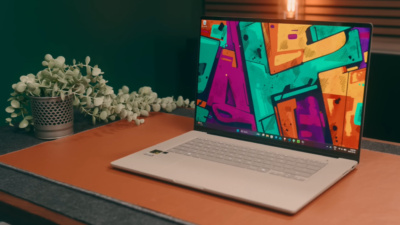
The chassis is built from Asus’s proprietary Ceraluminum — an aluminum alloy with a ceramic-like finish that covers the lid, keyboard frame, and rear panel. The result is a stone-like matte texture that is genuinely scratch-resistant and almost completely smudge-proof. Pick it up, handle it, throw it in a bag — fingerprints barely register and wipe off effortlessly.
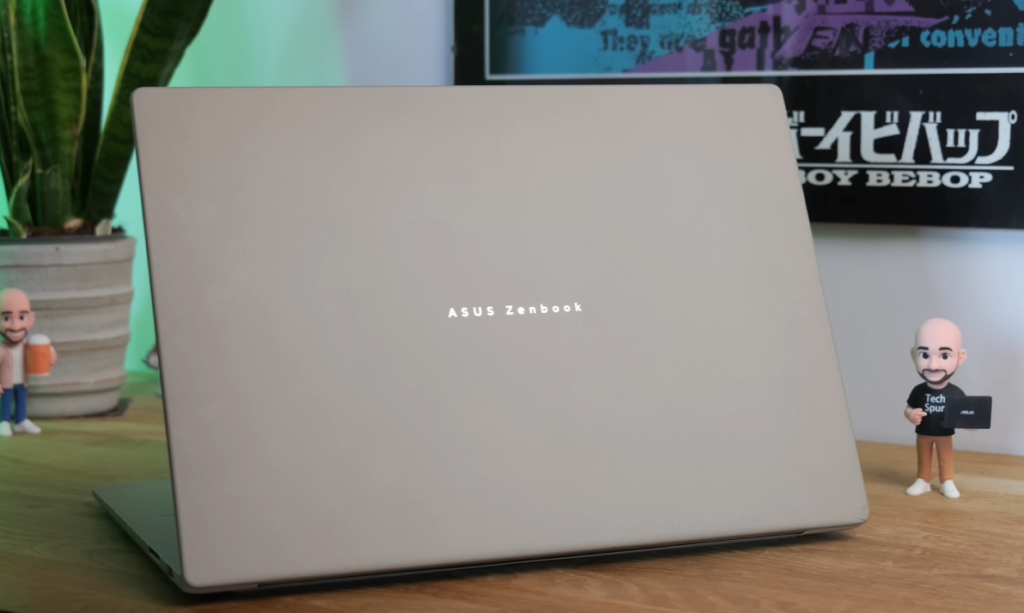
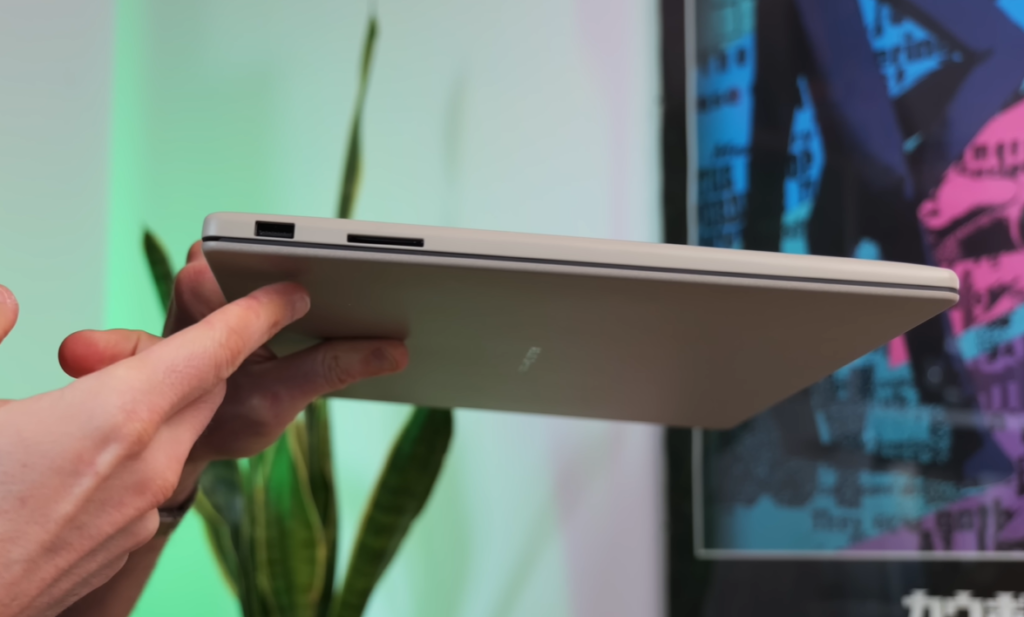
It comes in two colors: Zabriskie Beige (a warm sandy tone) and Iceland Gray. Both feature the same matte finish. The Zenbook A16 has also passed MIL-STD-810H military-grade testing, meaning it’s rated for shock resistance, extreme temperatures, and high altitudes — considerably more robust than its featherweight feel suggests.
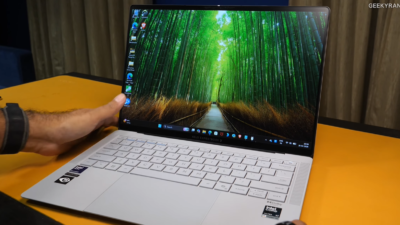
One thoughtful design detail worth noting: Asus’s ErgoLift hinge lets you open the lid with literally one finger (or any convenient body part, as reviewers have noted). The moment you lift the lid, Windows Hello face recognition activates — in good lighting, you’re logged in within a second.
The Chip: What Snapdragon X2 Elite Extreme Actually Means
This is the headline. The Snapdragon X2 Elite Extreme is Qualcomm’s most powerful chip to date, and the Zenbook A16 is currently one of the first laptops in the world to ship with it.
Here’s what the spec sheet actually means in plain terms:
| Spec | Detail | What It Means |
|---|---|---|
| CPU cores | 18 cores (12 Prime + 6 Efficiency) | More threads for heavy multitasking |
| Max boost clock | 5.0 GHz | Matches or beats Apple M5 in single-core |
| Multi-core uplift | +50% over Snapdragon X Elite | Decisive wins in Cinebench and Handbrake |
| GPU | Adreno X2-90 @ 1.85 GHz | 2x faster than original X Elite GPU |
| NPU (AI) | 80 TOPS | Copilot+ features run fully on-device |
| RAM | 48GB LPDDR5X | More than most MacBook Pro configs at launch |
| Memory bandwidth | 228 GB/s | Handles 4K editing without bottlenecks |
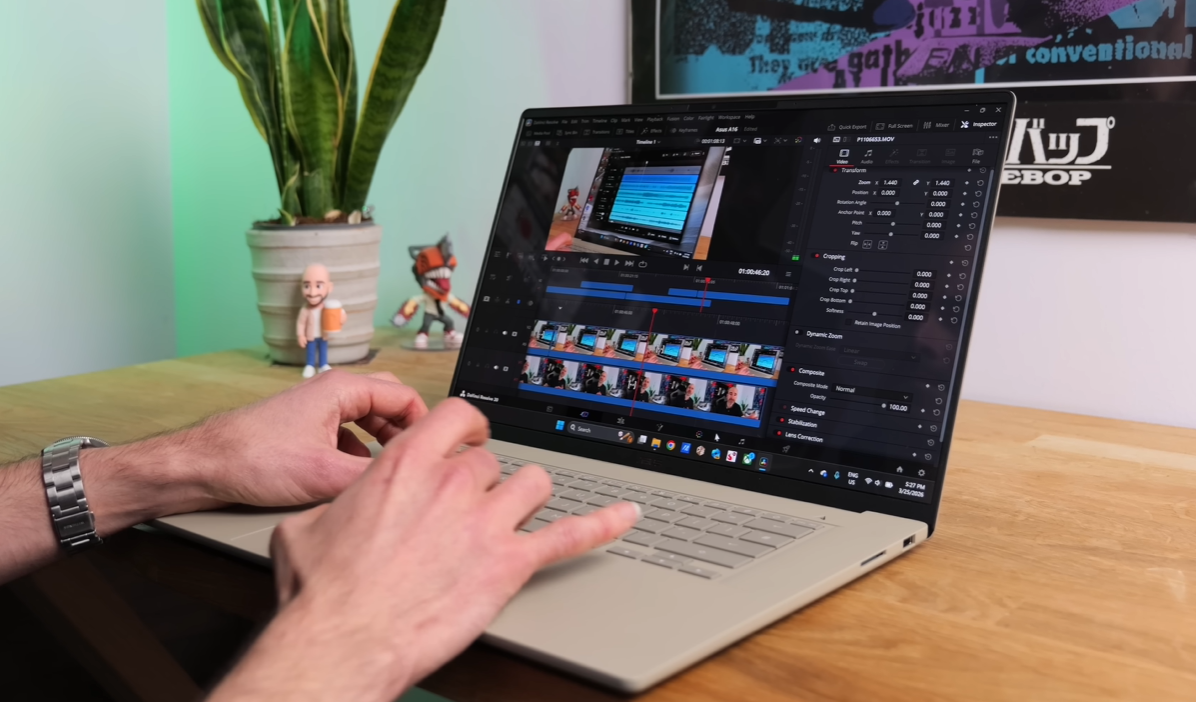
Real-world benchmark context from independent testing: In Handbrake 4K-to-1080p transcoding, the Zenbook A16 completed the task in 2 minutes 8 seconds — the next closest Windows competitor took over 4 minutes. That’s not a marginal lead; it’s a different category of performance.

In multi-core Cinebench 2026, the Zenbook A16 scores around 6,000 points and holds that score under sustained load, which means the cooling system is doing its job. Importantly, performance on battery drops only about 8% — the Snapdragon X2 Elite Extreme doesn’t throttle aggressively when unplugged, unlike many Intel rivals that lose 30–40% performance off-charger.
The Apple comparison: In single-core performance, Apple’s M5 still holds a roughly 32% lead. In multi-core, the Zenbook A16 wins — and does so even in Whisper (silent) mode, which is remarkable. If you’re a multi-tab, multi-app power user, the Zenbook A16 keeps up with and often beats the MacBook Air M5.
The Display: OLED Finally Gets Bright Enough Outdoors
The Zenbook A16’s 16-inch Lumina OLED display is a meaningful step up from previous generations, and it addresses the biggest complaint about OLED laptops: outdoor visibility.
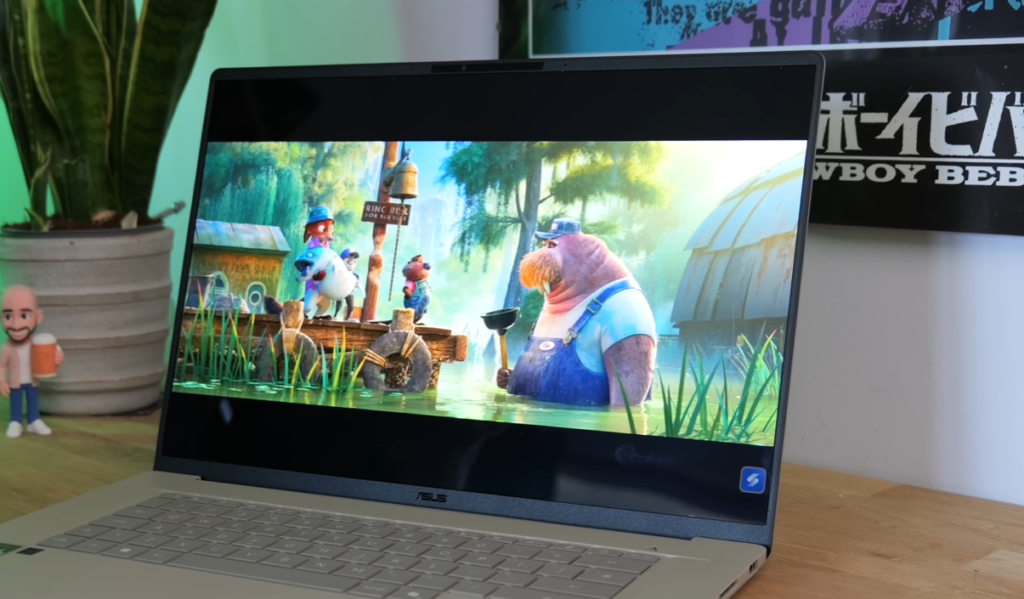
Key specs that matter:
- Resolution: 3K (2880 × 1800) — sharp enough that individual pixels are invisible at normal viewing distance
- Refresh rate: 120Hz — smooth scrolling, responsive for gaming
- Peak brightness: 1,100 nits — a significant boost that makes outdoor use genuinely viable
- Response time: 0.2ms — no ghosting on fast motion
- Color coverage: Full DCI-P3 and sRGB support for content creators
The bezels surrounding the display are exceptionally thin, giving it an edge-to-edge feel that makes the 16-inch size feel less desk-bound than you’d expect.
For color-accurate work — photo editing, video grading, graphic design — the display is professional-grade at a non-professional price. Asus also includes flicker-free dimming support via the MyASUS app, which matters for users sensitive to PWM flicker on OLED screens.
One thing to note: the display is glossy on the touchscreen Best Buy model. If you’re working near windows, this can be a concern. The non-touch ASUS eShop model may differ — worth checking at purchase.
Battery Life: The Real Numbers vs. Asus’s Claims
Asus advertises 21+ hours of battery life. Independent reviewers are measuring 10–12 hours of real mixed-use. Here’s why that gap exists and what to expect:
Asus’s 21+ hour figure is based on a controlled web browsing test at 150 cd/m² brightness — the kind of test designed to produce maximum numbers. In practice, with the 3K 120Hz OLED running at comfortable brightness with Chrome, productivity apps, and occasional video, you’ll get:
- Light use (docs, browsing, video streaming): 11–12 hours — excellent
- Mixed heavy use (editing, gaming sessions): 6–8 hours — solid
- Performance mode with demanding tasks: 4–5 hours — standard for a machine this fast
For most commuters and remote workers, 11–12 hours of real use is more than a full workday. The key advantage over Intel rivals is that the Snapdragon X2 doesn’t need to be plugged in to perform — you get the same responsiveness on battery as on power, which isn’t true of most Windows laptops.
The 70Wh battery is on the smaller side for a 16-inch laptop (many competitors pack 86–100Wh), which explains why Asus’s claims outpace real-world use. If all-day unplugged use in demanding conditions is your priority, this is worth knowing.
Gaming: AAA Titles Are Actually Playable Now
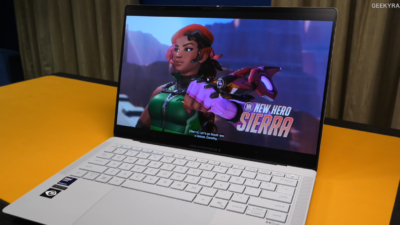
This deserves honest context. The Zenbook A16 is not a gaming laptop — it has no dedicated GPU. But the Adreno X2-90 integrated graphics represent a genuine leap over any previous Windows ARM chip, and for a productivity machine, the gaming capability is a genuine bonus.
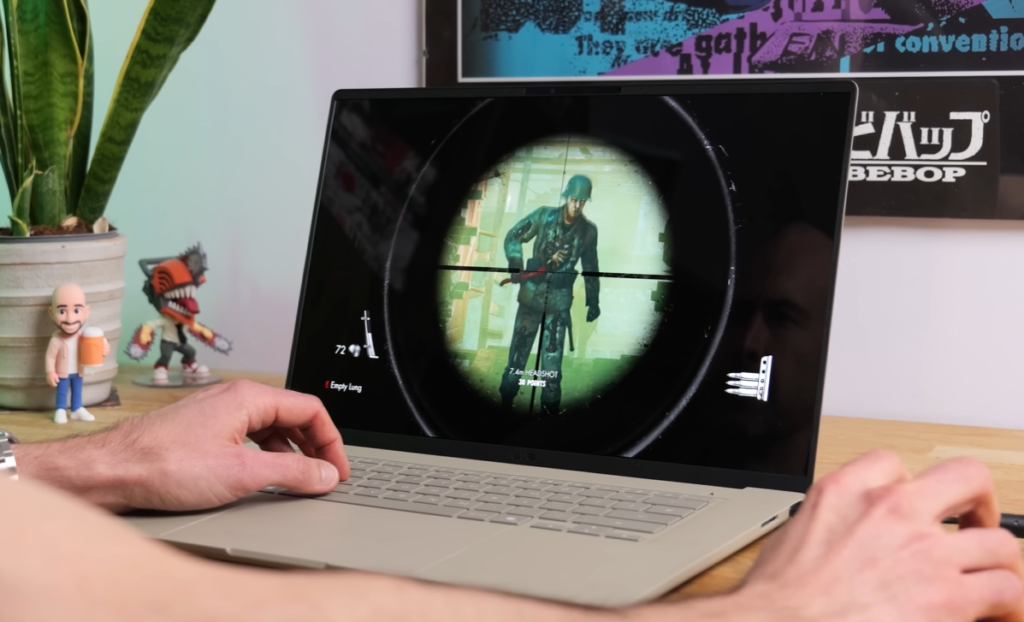
What works well on the Zenbook A16:
- AAA titles at medium settings (1080p): Playable frame rates on many recent titles
- Indie and older titles: Excellent performance, often maxed out
- Xbox Game Pass cloud gaming: Flawless — no local GPU needed
- Light competitive titles: CS2, Valorant, Rocket League run well
What to temper expectations on:
- 4K gaming at high settings: The integrated Adreno can’t match a dedicated GPU
- The latest GPU-intensive releases: Expect lowered settings for playable frame rates
- VRR support on ARM: Not confirmed on this platform
The Snapdragon Control Panel lets you tweak per-app settings and keeps drivers current. Qualcomm has committed to quarterly updates going forward, and a BIOS update expected soon should boost multi-threading performance by approximately 10%.
The App Compatibility Reality in 2026
Windows on ARM had a rocky reputation for software compatibility. In 2026, that story has changed significantly — but not entirely.
Current state of play:
- 6,200+ apps validated for Snapdragon machines
- 1,560+ apps run natively (including Adobe Creative Cloud, Microsoft Office, major browsers)
- Most everyday apps: Work without issue through emulation
- Niche professional software (certain engineering, scientific, or legacy tools): Still patchy
The honest advice: visit worksonwarm.com before you buy. Enter the specific apps you depend on daily and verify their status. For 90% of users — students, creatives, remote workers, developers using mainstream tools — compatibility is no longer a meaningful concern. For specialists in certain fields, it still deserves a check.
AI Features: The 80 TOPS NPU in Practice
The Snapdragon X2 Elite Extreme’s Hexagon NPU delivers 80 TOPS of AI processing — enough to run Copilot+ features entirely on-device, with no cloud dependency.
Practical AI features that work on the Zenbook A16:
Windows Studio Effects — automatic framing keeps you centered during video calls, background blur and replacement run locally without lag, and creative filters can soften appearance for video conferencing.
Presence Detection — the IR webcam detects when you’ve left your desk and automatically locks or hibernates the laptop. A genuine privacy and security feature, not just a gimmick.
Asus StoryCube — gathers your photos and videos (including direct GoPro import), uses AI to organize by event, and creates highlight reels automatically. More useful than it sounds for travel and content creators.
Voice Mods and Moises — third-party apps that leverage the NPU locally. Moises can separate vocal and instrumental layers from any song to create karaoke tracks, and can even detect chords in real time. Both run offline, demonstrating what 80 TOPS of on-device AI actually enables.
Ports, Connectivity & the Keyboard
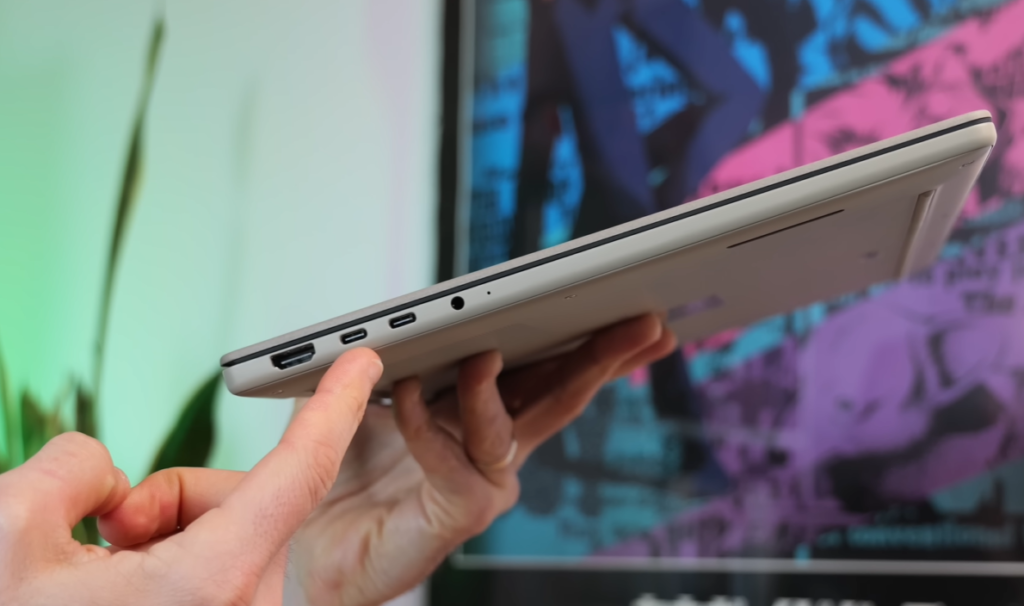
Ports (left side):
- 2× USB-C 4.0 (40Gbps, DisplayPort, Power Delivery)
- 1× HDMI 2.1 full-size
- 1× 3.5mm audio jack
Ports (right side):
- 1× USB-A 3.2 Gen 2
- 1× Full-size SD card reader (200+ MB/s transfer speeds)
Wireless: Wi-Fi 7 + Bluetooth 5.4 — current generation across the board.
The full-size HDMI 2.1 is worth highlighting specifically — many thin laptops sacrifice this for a slimmer profile. Having it here means connecting to external monitors and TVs without adapters.
The keyboard delivers firm, confident key travel. The touchpad is notable — it spans nearly the entire palm rest from keyboard to bottom edge, making it one of the largest on any Windows laptop. Smart gesture support handles brightness, volume, and timeline scrubbing in video apps.
Audio: Six-speaker setup — four woofers and two tweeters — with full Dolby Atmos support. For a laptop this thin, the audio is rich and full-bodied. Don’t expect external speaker quality, but it’s well above average for a slim machine.
Pricing: What You’re Actually Getting for $1,699
| Config | Price | Where |
|---|---|---|
| Snapdragon X2 Elite Extreme, 48GB, 1TB, Touch OLED 3K 120Hz | $1,699 | Best Buy |
| Snapdragon X2 Elite Extreme, 48GB, 2TB, Non-touch OLED 3K 120Hz | $1,999 | ASUS eShop |
| UK (non-touch, X2 Elite Extreme) | £2,099 | ASUS eShop UK |
The value context: The MacBook Air M5 15-inch starts at $1,299 with 16GB RAM. For $400 more, the Zenbook A16 gives you 3× the RAM (48GB), a 16-inch OLED with 120Hz, and multi-core performance that beats Apple’s chip. The MacBook Air M5 wins on single-core and battery life; the Zenbook A16 wins on RAM, display quality, multi-core performance, and port selection.
Who Should Buy the Asus Zenbook A16?
Buy it if you are:
- A creative professional (video editor, designer, photographer) who wants a Windows alternative to the MacBook Pro
- A power user who needs 48GB RAM for heavy multitasking without paying $2,500+
- A frequent traveler who needs maximum performance at minimum weight
- A developer or remote worker whose apps have been validated for ARM
Consider alternatives if you:
- Depend on niche x86-only software (check worksonwarm.com first)
- Need 15+ hours of real-world battery under demanding loads
- Want a machine primarily for 4K gaming at high settings
- Prefer a matte display — the Best Buy touch version is glossy
Final Verdict
Rating: 4.5 / 5
The Asus Zenbook A16 is the most significant Windows laptop launch of 2026. The Snapdragon X2 Elite Extreme delivers on its benchmark promises in multi-core workloads, the 1.2 kg chassis is a legitimate engineering achievement for a 16-inch machine, and the 3K 120Hz OLED is among the best displays on any laptop at this price. The battery life gap between Asus’s advertised claims and real-world results is the most notable caveat — 11–12 hours of mixed use is good, not exceptional.
For anyone who has been waiting for a Windows laptop that matches Apple’s silicon ambitions without Apple’s pricing, the wait is over.
Specifications sourced from Asus official tech specs, Best Buy listing, and independent benchmark testing by NotebookCheck, Tom’s Hardware, and Windows Central. Pricing accurate as of April 9, 2026.