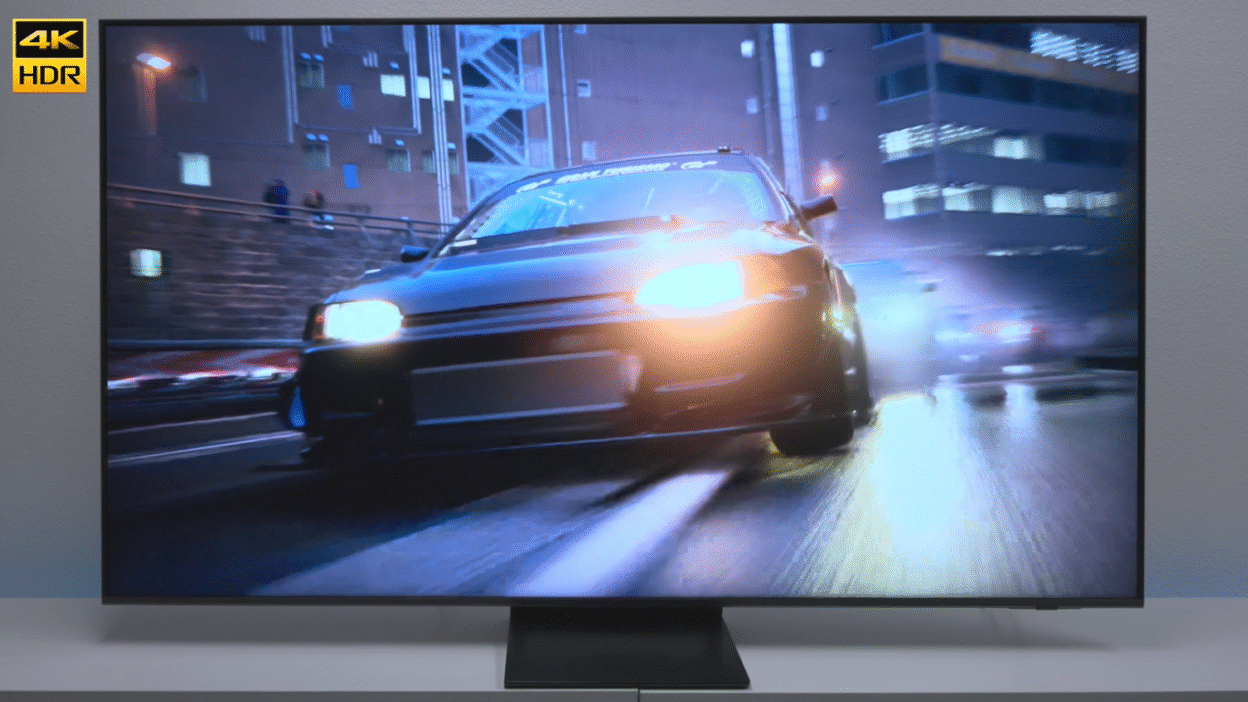
TL;DR: Samsung QN70F Neo QLED Review
The Verdict: The Samsung QN70F (2025/2026 model) is a “Goldilocks” TV that brings premium Mini-LED brightness to a mid-range price point. While it lacks the perfect blacks of an OLED or the audio punch of the higher-end QN90F, its 144Hz gaming support and NQ4 AI Gen2 Processor make it the best value-for-money Neo QLED for gamers and bright-room viewers.
- 🏆 Best For: Gamers on a budget, bright living rooms, and Samsung SmartThings users.
- 🎮 Gaming Edge: Supports 4K @ 144Hz (PC) and 120Hz (Consoles) with VRR and Freesync Premium Pro.
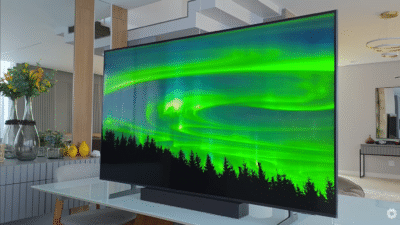
- 💡 Display Tech: Uses Quantum Mini-LED with an ultra-slim “AirSlim” design (only 1-inch thick).
- 💰 Price: Starts at ~$800 (55″) to ~$1,500 (85″).
If you’re a Samsung fan with an older TV that still works great, I’m going to give you some controversial advice: don’t rush to upgrade just yet.
But if your TV is showing its age, or you’re finally ready to experience what Mini-LED technology can do without spending flagship money, the Samsung QN70F might be exactly what you’re looking for.
I’ve spent the last few weeks testing the QN70F across movies, sports, and intense gaming sessions. This is Samsung’s entry point into their Neo QLED lineup — sitting below the pricier QN80F and QN90F models. The question everyone’s asking: did Samsung cut too many corners to hit this price point?
Let’s find out.
First Impressions: What You’re Actually Getting
When you unbox the QN70F, the first thing you notice is how thin this thing is. We’re talking barely over an inch thick. It’s that modern ultra-slim aesthetic everyone wants, but as you’ll see later, there’s a trade-off for that sleekness.
The plastic legs snap into place easily — no tools required, and they feel surprisingly sturdy despite being plastic. You get your standard L-shaped power cord (designed so the TV can sit closer to the wall), and Samsung’s new solar-powered remote with a USB-C charging port.
Speaking of that remote — it’s one of those love-it-or-hate minimalist designs. There’s no number pad, which frustrated me at first. But if you absolutely need one, Samsung’s old $10 remote from Amazon still works with this TV. You’ll lose the voice commands and Bluetooth features, but at least you get your number buttons back.
The QN70F comes in four sizes: 55″, 65″ (the one I tested), 75″, and 85″. My advice? Don’t go smaller than 65″ if you’re sitting more than 8 feet away. This is the kind of TV that rewards size.
The Heart of the Matter: Mini-LED Picture Quality
Here’s the real question: Does Mini-LED make a noticeable difference at this price point?
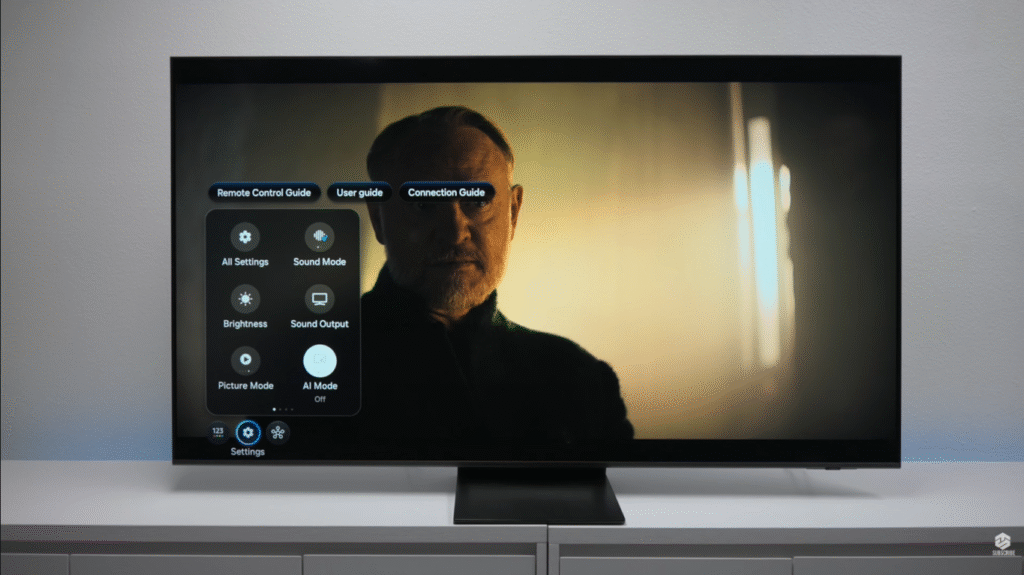
Short answer: Yes, but with caveats.
Samsung’s Quantum Mini-LED backlighting delivers legitimately impressive contrast for a TV in this price range. I fired up Foundation on Apple TV to test the picture modes, and immediately noticed how well this TV handles bright highlights next to darker elements.
Movie Mode: My Go-To Recommendation
After cycling through all the picture presets, Movie Mode became my default. The colors have this natural warmth that makes films look the way directors intended. Filmmaker Mode exists too, but honestly, the differences were so subtle I couldn’t consistently tell them apart.
Now here’s something interesting: the QN70F has an AI Picture Enhancement feature that supposedly optimizes everything automatically. Samsung’s marketing makes it sound essential. I turned it off after a few days.
Why? Because while AI mode does sharpen certain details, it strips away the warmth and makes backgrounds look weirdly processed. I tested this extensively with HDR content, and every time I toggled AI on, the highlights in the background would just disappear. If you want the most natural, film-like image, leave AI mode off.
Black Levels: Good, Not Great
Let me be honest: these aren’t OLED-level blacks. If you’re coming from an LG C3 or Sony A95K, you’ll notice the difference immediately. But for a Mini-LED TV at this price? The black levels are surprisingly decent.
I tested dark scenes from several movies, and while you can see slight light bleed in the corners during pure black screens, it’s minimal. Samsung did a solid job with their local dimming zones. This is the kind of performance that makes you forget you’re not watching an OLED — until you see them side by side.
Colors Pop (Maybe Too Much?)
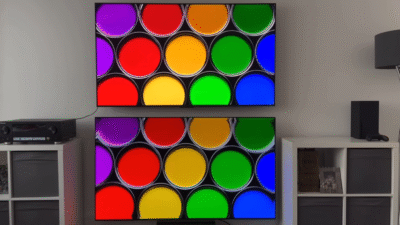
The color saturation on this TV is fantastic. Samsung’s Quantum Dot technology delivers that punchy, vibrant look their TVs are famous for. There’s even a Color Booster feature that kicks colors into overdrive.
For sports and vivid content, it’s perfect. For more subtle, color-graded films? You might find it a touch oversaturated. That’s where Movie Mode helps bring things back to reality.
HDR Performance: HDR10+ Does the Heavy Lifting
The QN70F supports HDR10+ but not Dolby Vision. Before you panic, Samsung’s HDR10+ is its answer to Dolby Vision, and for most content, the differences are negligible.
I compared SDR and HDR versions of the same content, and the difference is night and day. HDR brings out specular highlights beautifully — sunlight reflecting off glass, glowing embers in a fire, that kind of thing. The jump from SDR is immediately noticeable.
That said, content quality matters more than ever with this TV. Old DVDs upscaled to 4K will look blocky and soft. 1080p Blu-rays look decent. Native 4K HDR content? Absolutely stunning.
Gaming: Where This TV Really Shines
If you’re a gamer, stop reading and just buy this TV.
I’m serious. The QN70F might be Samsung’s entry-level Neo QLED, but it games like a flagship.
Console Gaming: PS5 and Xbox Series X
Both consoles unlock the full feature set here:
- 4K at 120Hz — Butter-smooth gameplay
- Variable Refresh Rate (VRR) — Eliminates screen tearing
- Auto Low Latency Mode — No need to manually switch picture modes
The PS5 and Xbox menus confirm every single feature works. I played hours of demanding games, and the motion was silky smooth with zero tearing.
One quirk: Samsung TVs don’t technically support Dolby Vision for gaming (since they don’t support Dolby Vision period), but honestly? I didn’t miss it. HDR10+ gaming looks phenomenal.
PC Gaming: 144Hz Heaven
Here’s where the QN70F gets wild: plug in a gaming PC, and you get 144Hz.
Most TVs cap out at 120Hz. The QN70F’s Motion Xcelerator technology pushes that to 144Hz, making it feel more like a giant gaming monitor than a TV. If you play competitive shooters or fast-paced games, that extra 24Hz matters more than you’d think.
The Gaming Bar: Actually Useful
Samsung includes a dedicated Gaming Bar that pops up when you press and hold the play/pause button. It sounds gimmicky, but it’s genuinely helpful:
- Black EQ — Brightens dark areas without washing out the whole image
- Virtual Aiming Point — On-screen crosshair for FPS games
- Game Motion Plus — Fine-tune motion blur and judder
I initially ignored these features, but Black EQ became essential for horror games where you’re creeping through dark hallways.
Cloud Gaming Built In
Don’t have a console? Samsung’s Gaming Hub lets you connect a Bluetooth controller and stream games from Xbox Cloud Gaming, GeForce NOW, or Amazon Luna. I tested it with Game Pass, and while you need solid internet, the experience was shockingly smooth.
Sports & Motion: Smooth, But Watch Your Frame Rates
I’m a sports junkie, so I threw everything at this TV: football, basketball, and Formula 1 racing.
In Standard Mode (my recommendation for sports), motion looks great and colors are vibrant. The 120Hz panel handles fast action without much blur, and the Motion Xcelerator tech helps fill in missing frames.
But here’s something important to understand: broadcast quality matters more than your TV.
I flipped between different channels, and some networks looked drastically better than others. Modern broadcasts look fantastic. Older cable channels? Not so much. Don’t blame your TV for the terrible quality of your local news station.
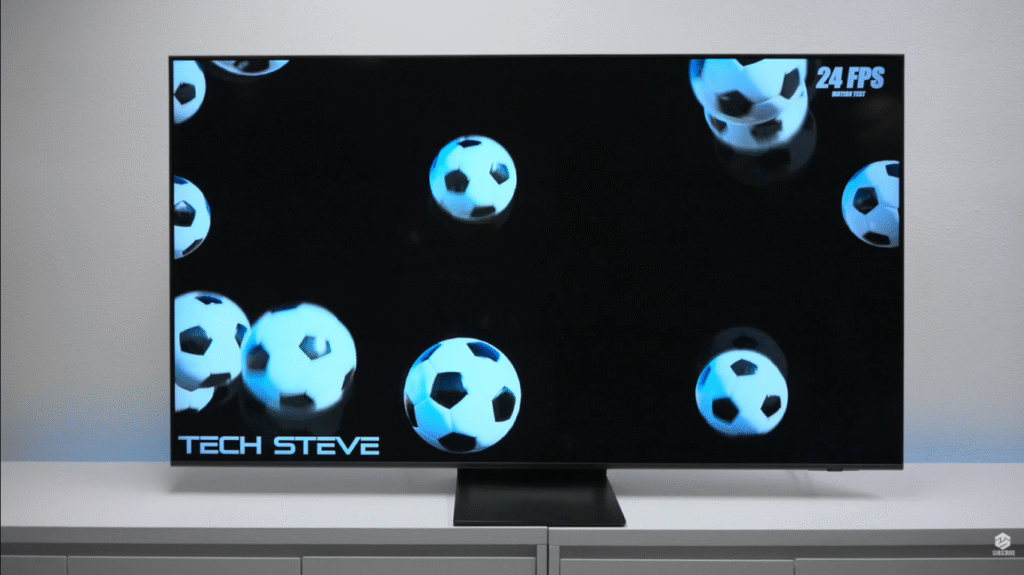
Motion Tests: 24fps vs 60fps
I ran frame rate tests to see how the QN70F handles different content types:
24fps (movies): There’s slight trailing and a few dropped frames, especially on fast-moving objects. This is totally normal for 24fps content — it’s designed to have that cinematic motion blur. Not the TV’s fault.
60fps (TV/sports): Smooth as butter. No trailing, no stuttering. This is where the TV feels most natural.
If you’re watching a lot of 24fps films and hate that “soap opera effect,” leave motion smoothing off. If you’re watching sports or playing games, crank it up.
The Elephant in the Room: Audio Needs Help
Let’s not sugarcoat this: the audio is weak.
The QN70F has a 20W speaker system, which on paper, sounds fine. In reality, this TV is so thin that there’s literally nowhere to put decent speakers. You get clear dialogue, but the bass is practically nonexistent.
Compare this to older, thicker TVs with built-in subwoofers, and it’s night and day.
You need a soundbar. Fortunately, Samsung’s Q-Symphony feature lets compatible soundbars work with the TV speakers instead of replacing them. That’s a clever way to add depth without totally giving up on the TV’s built-in audio.
My recommendation? Budget at least $200-$300 for a decent soundbar if you’re buying this TV. You’ll thank me later.
Smart Features: Tizen OS Gets Smarter Every Year
Samsung’s Tizen operating system continues to be one of the best smart TV platforms out there.
Samsung TV Plus: Free Content Everywhere
The big headline feature is Samsung TV Plus, which gives you 2,700+ free channels without any subscriptions. The AI integration actually works well here — it learns what you watch and surfaces recommendations that aren’t terrible.
You can also search by actor or genre using voice commands, and the TV will show you everywhere that person appears across different streaming services. It’s the kind of feature you don’t realize you need until you have it.
SmartThings: Your TV is a Smart Home Hub
Here’s where things get interesting for smart home users: the QN70F doubles as a SmartThings hub.
If you have smart lights, thermostats, or Matter-compatible devices, you can control everything from your TV. You can even set up routines — like “movie night mode” that dims the lights and closes the blinds.
Oh, and if you lose your Samsung phone? Use the TV to make it ring. That alone might be worth the price of admission.
Art Mode: A Nice Bonus
Samsung includes Art Mode, which displays artwork when the TV is off (like their Frame series). It’s a paid subscription, but you can upload your own photos for free.
I loaded some travel photos, and it genuinely looks like a digital picture frame. Great for homes where a black rectangle on the wall bothers you.
Upscaling: AI Actually Helps Here
Samsung’s NQ4 AI Gen2 processor uses 20 neural networks to upscale lower-resolution content to 4K.
I tested it with various content sources:
480p DVD content: Blocky and soft, but honestly, most people don’t watch DVDs anymore
1080p Blu-rays: This is where the upscaling shines. The difference between 1080p and native 4K is noticeable but not massive. Solid performance.
4K native content: Looks exactly as good as you’d expect
The takeaway: stick to 1080p or higher whenever possible. The AI upscaling is good, but it’s not magic.
Who Should Buy the Samsung QN70F?
After weeks of testing, here’s my honest assessment:
Buy This TV If You:
✅ Want Mini-LED without flagship prices — This is your most affordable entry point
✅ Are a gamer — 144Hz, VRR, and that gaming bar make this a beast
✅ Watch a lot of HDR content — HDR10+ performance punches above its price
✅ Are in the Samsung ecosystem — SmartThings integration is seamless
✅ Value vibrant, punchy colors — Samsung’s Quantum Dot tech delivers
Skip This TV If You:
❌ Need perfect blacks — Save up for OLED instead
❌ Care about audio quality — You’ll need to buy a soundbar anyway
❌ Are a Dolby Vision purist — Samsung doesn’t support it
❌ Watch mostly low-quality content — Upscaling can only do so much
The Final Verdict: Middle of the Road in the Best Way
The Samsung QN70F is what I’d call a “Goldilocks TV” — not too expensive, not too cheap, with features that hit the sweet spot for most people.
Is it perfect? No. The audio is weak, the blacks aren’t OLED-level, and that AI picture mode needs work. But for around $1,400-$1,500, you’re getting Mini-LED technology, excellent gaming features, and a smart platform that actually enhances your viewing experience.
Samsung describes this as their “middle of the road television that doesn’t break the bank”, and that’s exactly what it is — in the best possible way.
If you’re upgrading from a TV that’s 5+ years old, the jump in picture quality will blow you away. If you’re coming from a flagship OLED? You’ll notice the compromises. Know what you’re getting into, budget for a soundbar, and you’ll have a TV that performs way above its price point.
Rating: 8/10 — An excellent entry-level Mini-LED TV that nails the essentials, even if it’s not perfect.
The 65-inch model costs around ₹1,16,300 in India (discounted from ₹1,64,900). US pricing starts around $1,400 USD. It’s available in 55″, 65″, 75″, and 85″ sizes
Have questions about the Samsung QN70F? Drop them in the comments below! And if you picked one up, let me know how you’re liking it.
Hello mypitshop.com Administrator!
hello