Quick Verdict: The RedMagic Astra 2 is a genuine, meaningful upgrade over the original Astra rather than a token spec bump. A newer Snapdragon 8 Elite Gen 5 chipset, liquid cooling in place of a fan, a noticeably brighter 2.4K OLED display, and over an hour of extra gaming battery life make this the gaming tablet to beat right now — as long as you’re fine with a stripped-back camera setup and no expandable storage.
What’s Actually New in the RedMagic Astra 2?
The design carries over almost unchanged from the original — a compact roughly 9-inch metal-bodied slab with a matte finish, a completely flat, camera-bump-free back, and customizable RGB lighting along the branding and cooling strip (limited to blue and green tones). What’s changed is almost entirely under the hood and in the display:
- Chipset: Snapdragon 8 Elite Gen 5 (up from the original Snapdragon 8 Elite)
- RAM: Up to 16GB on the review unit
- Cooling: New liquid-cooling system replacing the fan, alongside a large vapor chamber
- Display: Same ~9-inch panel size, now with boosted peak brightness and a 185Hz refresh rate
- Battery: 8,300mAh, up marginally from 8,200mAh — but with a real-world battery life gain (more below)
Design and Build Quality
The Astra 2 keeps its predecessor’s compact footprint — small enough to just about fit in a baggier pair of shorts — with enough heft to feel substantial without becoming uncomfortable to hold for multi-hour sessions. The bezels are kept thick enough to avoid accidental palm touches during gameplay and to house the selfie camera without needing a notch or punch-hole cutout.
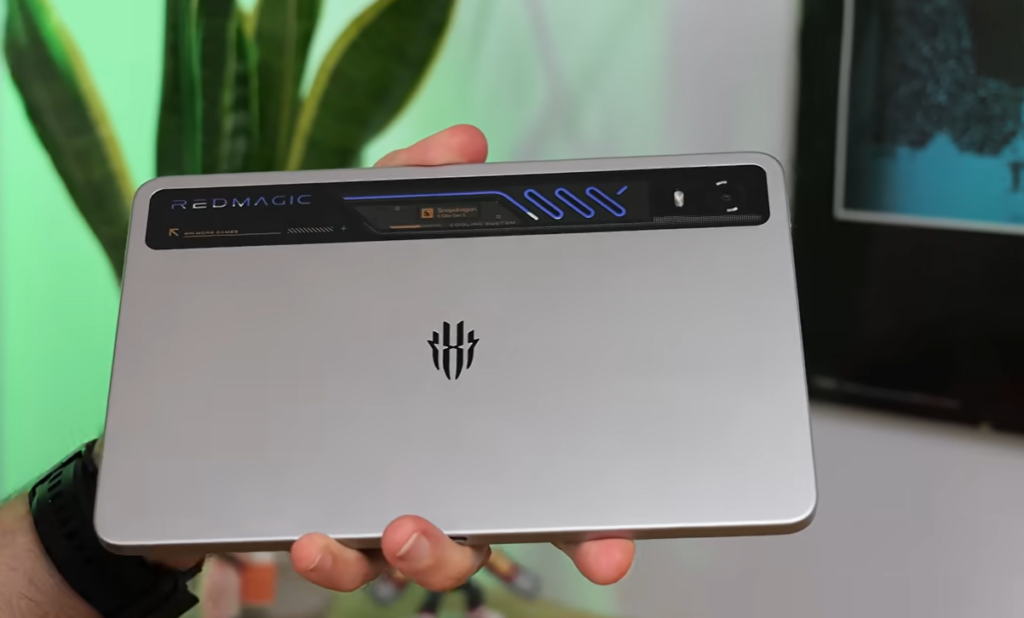
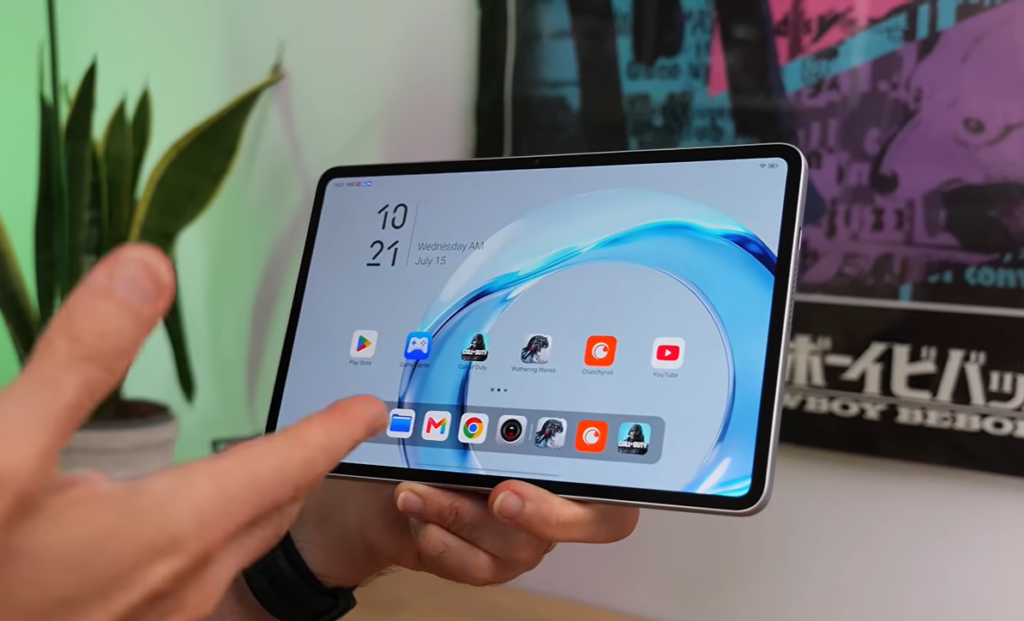
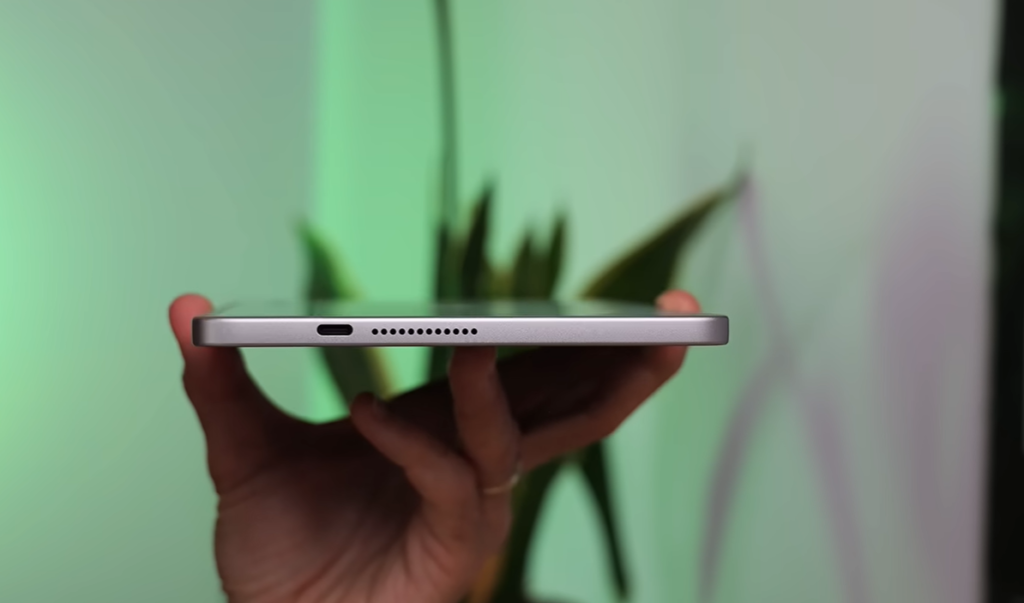
The full metal unibody with a matte finish resists fingerprints well, aside from a glossy strip along the top. The completely flat rear panel means zero wobble when the tablet is set flat on a desk — a small but appreciated detail for a device this size.
A physical fingerprint sensor is built into the power button on the side edge and was described as fast and reliable throughout the review period, with no failed unlock attempts.
Software: RedMagic OS 11
The tablet ships on RedMagic OS 11, which sticks close to stock Android with some gaming-oriented theming and fonts. It includes the brand’s Moro AI assistant for a bit of personality, though the software also comes with some pre-installed bloatware (including third-party shopping and low-quality games) that can be uninstalled without issue.
Storage on the review unit was 512GB — useful given how large modern mobile games have become — but there’s no microSD card slot for expansion, so buyers should choose their storage tier carefully at purchase.
Gaming Performance: Is the Astra 2 Actually Faster?
Yes, and by a meaningful margin. Running Wuthering Waves — a demanding, poorly optimized Android title — at maximum graphics settings and a 60fps target, the Astra 2 held a near-flawless frame rate across hours of testing, with only occasional dips into the high 50s that weren’t noticeable during actual play.
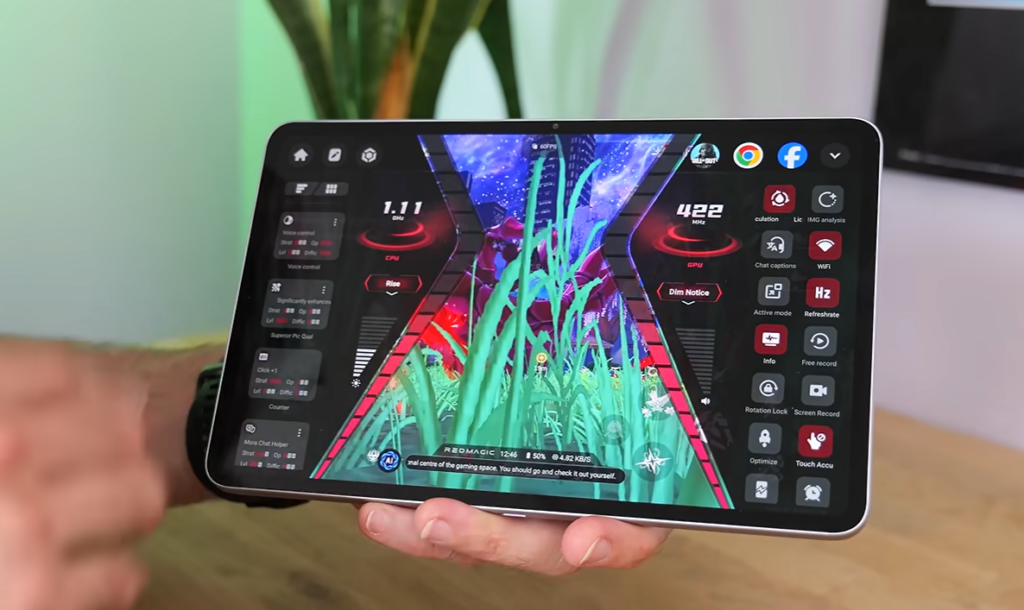
Better-optimized titles like Call of Duty Mobile ran at “Very High” graphics settings locked to 165fps with zero observed frame rate fluctuation across extended play sessions.
The gaming-focused software suite remains familiar to RedMagic users: a dedicated gaming key for quick access to installed titles, an in-game dashboard (accessed via a two-finger swipe) with Eco and Rise performance modes, background app optimization tools, and a hidden high-performance “Diablo mode” for edge cases — though testing found the standard Rise mode sufficient for nearly all scenarios.
Does the Liquid Cooling Actually Work?
This is one of the most noticeable upgrades. The Astra 2 replaces its predecessor’s fan-based cooling with a liquid-cooling system paired with a large vapor chamber, active by default whenever a game is launched (and toggleable in general settings otherwise).
In testing, the areas you actually hold stayed cool even during 2–3 hour gaming sessions, with only the central area directly over the chipset getting noticeably warm — never to an uncomfortable degree, and without any observed performance throttling. This represents a clear improvement over the original Astra, which ran considerably hotter under sustained load.
Display and Audio
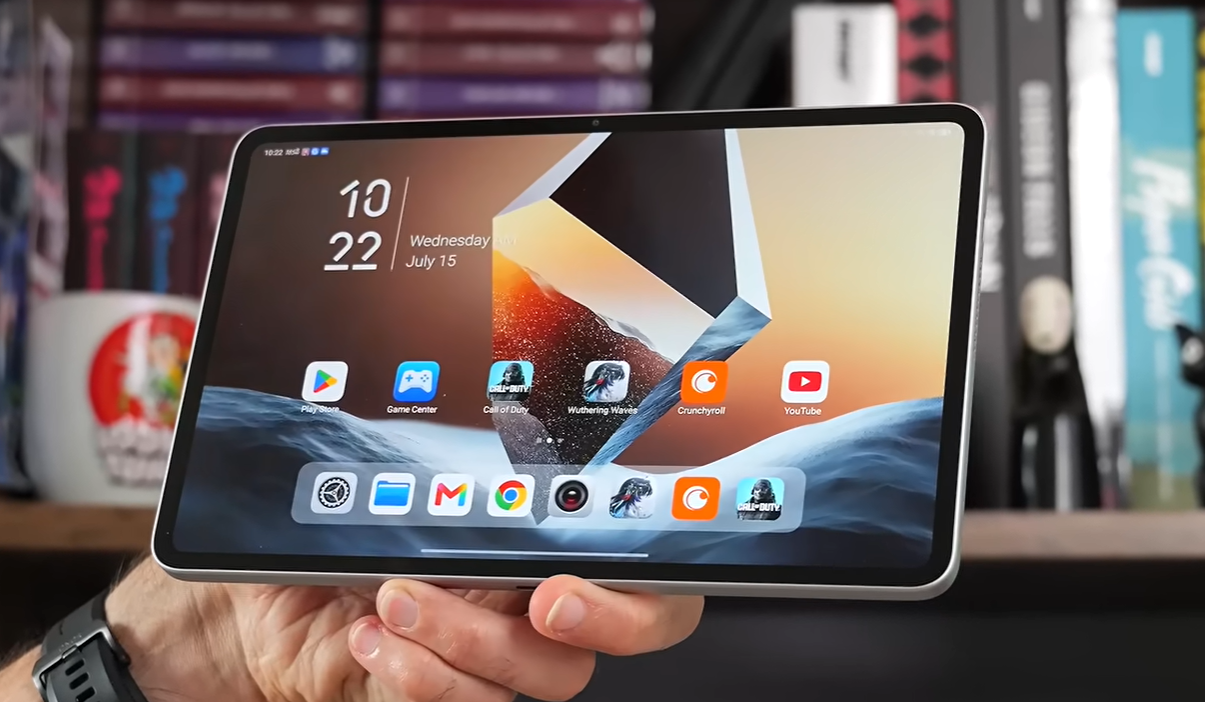
The screen remains roughly 9 inches (9.06 inches specifically) at 2.4K resolution, but brightness has been substantially increased for this generation. At maximum brightness, visibility held up even under harsh studio lighting, making outdoor gaming genuinely usable as long as glare isn’t hitting the screen directly. The refresh rate now maxes out at 185Hz, though the practical difference above 120Hz is only noticeable to some users.
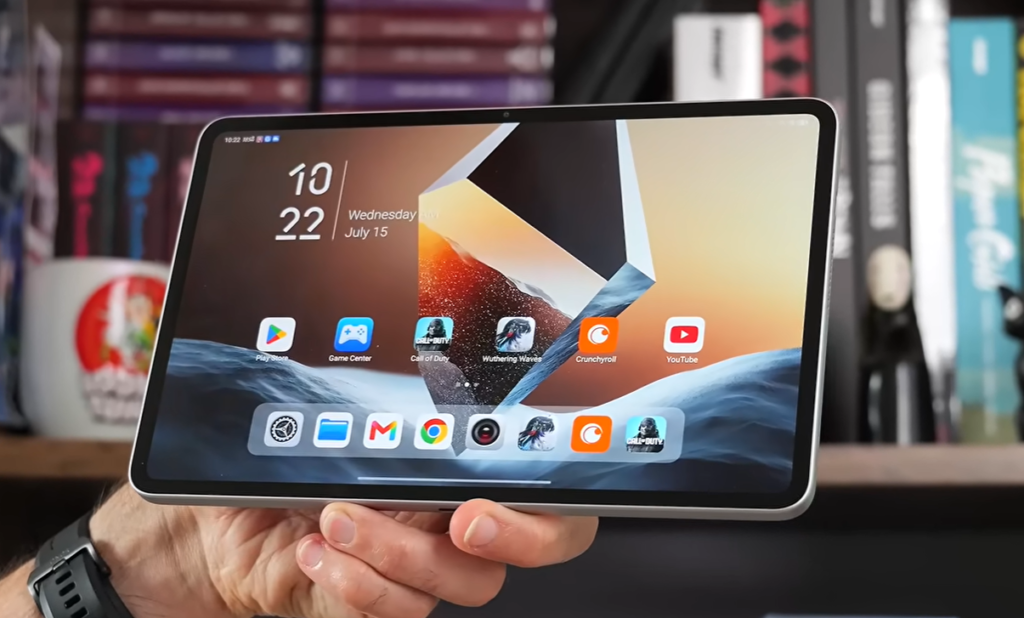
Speakers are loud with a reasonable amount of bass for a tablet, giving gunfire and explosions in titles like Call of Duty some actual weight rather than sounding thin. A basic stereo effect comes through despite the edge-mounted speaker placement, though there’s no headphone jack — Bluetooth audio is the only wireless option, and it performed reliably (including with DTS:X Ultra support) during testing.
Battery Life: RedMagic Astra 2 vs Astra 1
Battery capacity itself only grew slightly, from 8,200mAh to 8,300mAh — but real-world battery life improved substantially thanks to the more efficient chipset and cooling system:
| RedMagic Astra (Original) | RedMagic Astra 2 | |
|---|---|---|
| Battery capacity | 8,200mAh | 8,300mAh |
| Wuthering Waves battery life (max settings, Rise mode) | ~4 hours 15 minutes | ~5 hours 30+ minutes |
| Charging | Wired | 75W wired, dual charging ports |
| Bypass charging (power system without charging battery) | — | Yes |
That’s over an hour of additional gaming time on maxed-out settings — a significant real-world gain rather than a marginal one. The 75W wired charging is supported through two ports (bottom edge and right edge in landscape orientation), and a charge-separation/bypass mode lets you game indefinitely while plugged in without stressing the battery through constant charge cycling.
Cameras: Not the Point, But Present
Camera hardware is included mostly as a formality rather than a selling point. The front camera, housed in the top bezel, records up to 1080p with mediocre stabilization — fine for casual commentary or video calls, but nothing more. A rear camera supporting 4K recording is also present, though it’s unlikely to factor into most buyers’ decisions given this is fundamentally a gaming-first device.
RedMagic Astra 2: Who Should Buy It?
The Astra 2 makes sense if you want a dedicated, portable gaming tablet experience with genuinely improved thermals, brightness, and sustained battery life over the original. The main trade-offs are the absence of expandable storage and a camera setup that exists purely as a checkbox feature.
If you already own the original Astra and are gaming comfortably on it, this may not be an essential upgrade. But for new buyers choosing between the two, or those upgrading from a phone-based gaming setup, the Astra 2’s combination of sustained performance, improved cooling, and meaningfully longer battery life makes it the stronger pick.
It uses the Qualcomm Snapdragon 8 Elite Gen 5, paired with up to 16GB of RAM on the review configuration.
No, there is no microSD card slot. Storage is fixed at purchase, with the review unit configured at 512GB.
In gaming battery tests running Wuthering Waves at maximum settings, the Astra 2 lasted around 5.5 hours compared to roughly 4.25 hours on the original Astra — an improvement of over an hour.
No, audio output is Bluetooth-only, though it does support DTS:X Ultra for wireless sound.
Thinking about picking up the RedMagic Astra 2, or upgrading from the original Astra? Share your questions or your own gaming benchmarks in the comments below.